For iOS developers
Your app, posted daily.On TikTok and Instagram.
Paste your App Store link. Every day, a carousel or a reel built from your real screens goes out on TikTok and Instagram. Approve each one in a tap, or let autopilot post for you. We track which formats bring installs, not just views.
Free, no signup: 3 hooks and a carousel outline for your app, written from your listing.
01The hook
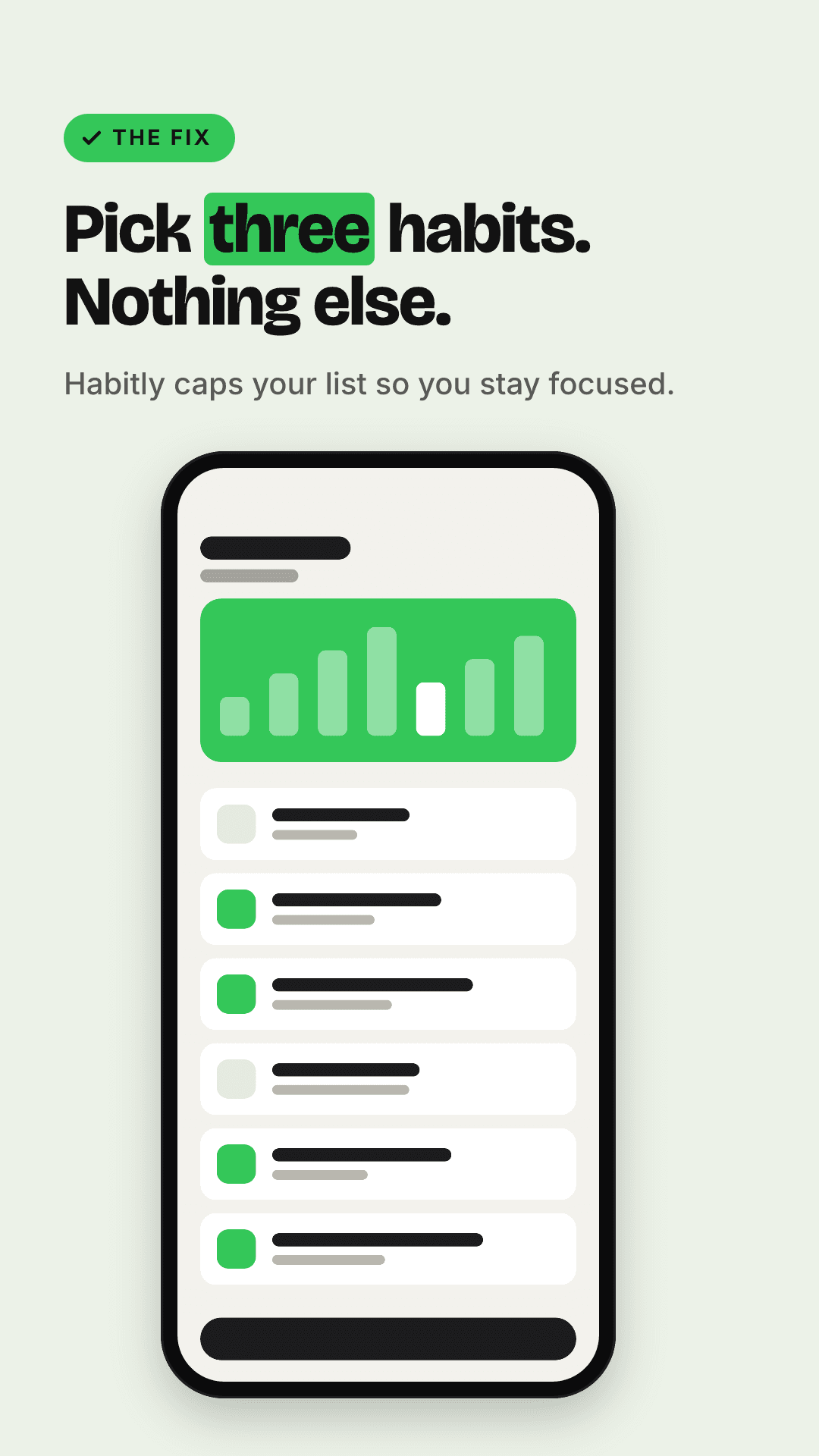
02Your real app
03Call to action
How it works
Set it up once. Then it runs.
- 01
Paste your App Store link
We read your listing, screenshots and recent reviews, and write a brief: who the app is for, what they struggle with, which angles to try. No invented features.
- 02
Add a screen recording
Screen-record a minute or two of the app in use. We cut it into the moments that show it working and use them in reels. Your real UI, not a mockup.
- 03
Approve, post, measure
Drafts land in your queue with a notification. Approve each one, or turn on autopilot. Posts go out on TikTok and Instagram, each one is tied to downloads, and next week leans on what worked.
What you get
Posts that look like your app, because they are your app.
Most AI content tools start from a prompt. We start from your listing, your screenshots and your screen recording, then let the numbers decide what to post more of.
Daily carousels
TikTok photo carousels and Instagram carousels in 12 formats, with a hook on slide one and your real screenshots where the app shows up. Rendered in your app's colors.
Reels from your screen recording
Short reels cut from the recording you upload: the moments where something happens on screen, with on-screen text. Pro adds AI voiceover and animated captions. Studio adds AI video hooks and b-roll.
Approve, or go fully passive
By default every draft waits for you in the web app, which installs on your phone and notifies you when posts are ready. Prefer hands-off? Turn on autopilot, with an optional review window to skip anything first.
"What's working" every week
A short report in plain sentences: which hook types and formats beat your usual numbers, what we are pausing, what we test next.
Downloads, not just views
A campaign link for each platform, for your bio, and we line up posting times with App Store Connect downloads and RevenueCat events.
Compared
Built for one job: getting an iOS app downloaded.
Slideshow tools are fast at making carousels. Generic AI social tools cover every kind of business. Neither knows what your app looks like or whether a post brought installs.
Daily carousel posts for TikTok and Instagram
- Dailyreel
- Yes
- Slideshow tools
- Yes
- Generic AI tools
- Yes
Starts from your App Store URL
- Dailyreel
- Yes
- Slideshow tools
- Some
- Generic AI tools
- No
Uses your real app screenshots
- Dailyreel
- Yes
- Slideshow tools
- Some
- Generic AI tools
- Some
Reels cut from your own screen recording
- Dailyreel
- Yes
- Slideshow tools
- No
- Generic AI tools
- No
Approve each post, or run on autopilot
- Dailyreel
- Yes
- Slideshow tools
- Some
- Generic AI tools
- Some
Approve from your phone, with notifications
- Dailyreel
- Yes
- Slideshow tools
- Some
- Generic AI tools
- Some
Downloads attribution (App Store Connect, RevenueCat)
- Dailyreel
- Yes
- Slideshow tools
- No
- Generic AI tools
- No
Learns which hook types work for your app
- Dailyreel
- Yes
- Slideshow tools
- No
- Generic AI tools
- No
Feature presence only, by category of tool, as of November 2026. "Some" means some tools in the category offer it. Individual products vary and change; see our tool-by-tool comparisons with sources.
Pricing
Three plans. No per-post fees.
Every plan starts with a 7-day free trial. Pay monthly, or yearly and save 20%. Cancel anytime from the Billing page.
Core
One app, carousels and reels, every day.
$39/ month
or $31/month billed yearly ($374)
- 1 app
- Up to 2 connected TikTok and Instagram accounts
- 1 post a day on each connected account
- Carousels, plus reels from your screen recording
- Approve each post, or autopilot
- Download tracking: campaign links, App Store Connect, RevenueCat
- Weekly "What's working" report
- 10 redrafts a week
Pro
Best for reelsUp to 3 apps, with voiceover on your reels.
$79/ month
or $63/month billed yearly ($758)
- Everything in Core
- 3 apps
- Up to 6 connected TikTok and Instagram accounts
- 2 posts a day on each connected account
- AI voiceover and animated captions on reels
- 30 redrafts a week
Studio
AI video on top of your real screens.
$149/ month
or $119/month billed yearly ($1430)
- Everything in Pro
- Up to 10 connected TikTok and Instagram accounts
- 3 posts a day on each connected account
- AI video hooks and b-roll
- 30 AI video credits per month
- Extra credits: 20 for $25
- 60 redrafts a week
Prices in USD, billed monthly or yearly. The 7-day trial applies to your first subscription and needs a card: it is charged when the trial ends unless you cancel before. Studio's AI video credits start with the first payment. Taxes calculated at checkout. Payments are handled by Stripe, with Link as the merchant of record. Cancel anytime: you keep access until the end of the paid period.
FAQ
The questions you were going to ask.
Is this allowed by TikTok's and Instagram's rules?
Posts go out through the official TikTok and Instagram publishing APIs, on your own accounts, which you connect and can disconnect at any time. By default you see the final version of each post, choose who can see it, and approve it yourself. We do not run fake accounts, buy engagement, or automate likes, follows or comments.
Can it post without me approving each post?
Yes, if you turn on autopilot in your settings. You give consent once, pick the platforms, the TikTok visibility and a review window from 0 to 24 hours, and you can still skip any post before it goes out. TikTok asks apps to get approval for each post, so autopilot on TikTok is at your own risk; Instagram has no such rule. Approval of each post stays the default.
Will my posts be labeled as AI-generated?
When a post contains realistic AI-generated video or an AI voice (Pro voiceover, Studio video hooks and b-roll), we publish it with each platform's own AI label: TikTok's AI-generated content label and Meta's AI info label on Instagram. Carousels and reels made from your screenshots and your screen recording show your real app; their text is written with AI, and you can review every word before it goes out.
Are posts marked as promotional?
You choose. When you approve a TikTok post, you can turn on commercial content disclosure: "Your brand" when you promote your own app, which TikTok labels as promotional content, or "Branded content" for a paid partnership. Autopilot uses the setting you pick once in your settings.
Which accounts are supported?
TikTok accounts, and Instagram professional accounts (Business or Creator), since Instagram's publishing API does not support personal accounts. Apps must be live on the iOS App Store. For download tracking you can add an App Store Connect API key, and for revenue events a RevenueCat webhook. Both are optional.
Do I need to install an app or be on camera?
No. Everything happens in the web app, which you can add to your iPhone home screen to get notifications. Carousels need nothing but your listing. Reels use a screen recording of your app, which takes a minute on your iPhone. Studio can add AI video hooks so you never have to appear.
Is there a free trial?
Yes. Your first subscription starts with a 7-day free trial on any plan, monthly or yearly. Stripe asks for a card and charges it when the trial ends, unless you cancel before from the Billing page. Posts are made and published during the trial; Studio's AI video credits arrive with the first payment. To see the kind of hooks you would get before signing up, the free hook generator needs no account.
What if a draft is bad?
Skip it, or ask for a new version. Every plan includes weekly redrafts: 10 on Core, 30 on Pro, 60 on Studio.
What happens to my data?
We use it to make and measure your posts, and nothing else. We do not sell it or use it to train AI models. Social account access is held by our publishing provider and revoked when you disconnect or delete your account. Details are in the privacy policy, and the data deletion page explains how to remove everything.
See what we would post for your app.
Paste your link. You get 3 hooks and a carousel outline built from your listing, free, no account needed.